


There is no Captain Cooks Casino app for Android. Android players use the mobile site, which opens in Chrome or another browser on the phone and needs no download, so you can log in or sign up straight from the browser. The iPhone has its own app, described on the iPhone app page.
What you can do on an Android phone
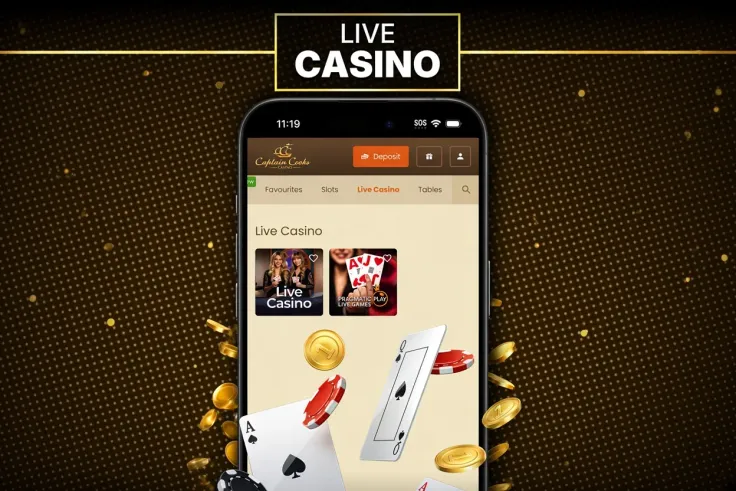
On Android, the mobile site is the way to reach your Captain Cooks Casino account. You log in, open the games and manage your account from the browser, without installing anything. The main difference from a computer is the screen: text and buttons are smaller, so take a moment to read each game's information before you place a bet.
Deposits and withdrawals are handled on the same mobile site, and the payment methods are Visa / Mastercard, Interac e-Transfer, Interac Online, eCheck, American Express, MuchBetter, Apple Pay, Google Pay, Skrill, InstaDebit, iDebit and Bank transfer. Read the deposit and withdrawal pages before your first transaction, so the steps are clear before you tap anything.
Live Casino is part of the Captain Cooks Casino range, see Live Casino. Before you join a live table, check the table limits shown on the screen, and check the stake you have selected before each round.
Each round is random, and the paytable inside a game shows how it pays. Reading it before you start is the best way to know what a win would look like on your phone.
The steps above use Chrome, which most Android phones include. If you use another browser, the same site address applies, although the menu may be labelled differently.
Playing in the browser without an app

Because there is no Android app, there is nothing to download from an app store and nothing to install on the phone. The site loads from the web each time you open it, so you do not need to update anything on the phone itself.
A home-screen shortcut is only a link to the browser page. It is not an installed program, and removing it leaves the site and your account as they are.
Be wary of any file or app that claims to be the Captain Cooks Casino app for Android and comes from another source. Captain Cooks Casino does not offer one, so any such download is not from the casino, and installing software from an unknown source can put your phone and your personal details at risk.
If the site does not load, close the tab, check your mobile connection and try again. If the problem continues, contact us and describe what the screen shows and which browser you use.
Keeping your account safe on your phone
Set a screen lock with a PIN, passcode or fingerprint, so nobody can open your browser or your logged-in session. Do not share the phone or your login details, and do not let anyone play on your account.
On a shared or borrowed phone, log out when you finish and do not save your password in the browser. Log in over your own mobile data or a network you trust, rather than an open public Wi-Fi network.
Mobile data counts toward your plan. Live tables stream video and use more data than most slots, so check your data allowance before a long session.
If several people use the same phone, use a separate user profile where the phone allows it, so that saved details stay private to you.
Deposit limits, breaks and self-exclusion are available, and the safer gambling page explains them. Set a deposit limit before you start, not during a session, and keep to it.