

The Captain Cooks Casino app for iOS is available for iPhone. There is no Android app, so Android phones play through the mobile site in the browser.
iPhone users can choose between the app and the mobile site. The app suits people who play mostly on an iPhone and want it installed on the device. This page covers what each phone option offers, how to get the app and what to check before you play on a phone.
What you can do on a phone

The Captain Cooks Casino iOS app and the mobile site are the two ways to play on a phone. The range includes live casino games, so live dealer tables are part of what you can play from your phone. Check the table limits before you join a live dealer table, because stakes differ between tables and a small screen makes it easy to miss them.
The main differences from a desktop are the screen and the connection. Buttons, tables and bet amounts are smaller on a phone, so read the stake again before you confirm a bet. A phone also switches between Wi-Fi and mobile data, and a dropped connection in the middle of a live round can interrupt play.
The phone version suits short sessions and quick checks. For longer sessions, a larger screen and a stable connection are easier to manage, so a computer may be more comfortable for those. The mobile version page explains the phone site in more detail.
How to install the iPhone app
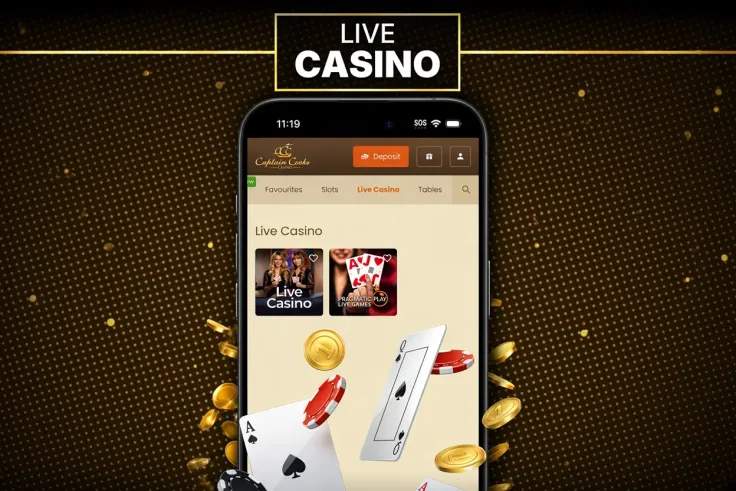
To get the iOS app, start from the casino's own site with visit Captain Cooks Casino and use the iPhone app option there. Install the app only through that route, and do not install files from links sent by other people or from sources you do not recognise.
Once the app is installed, open it and log in with your existing account. If you do not have an account yet, you can sign up from the same place. Keep the app updated so that the latest version runs on your phone.
If you cannot get the app installed, you can still play through the mobile site in Safari.
Keeping your account safe on a phone

Protect the phone first. Set a passcode and a short automatic lock, and do not share the device with family members or friends. An unlocked phone gives anyone who picks it up access to the account, so lock it whenever you put it down.
Do not save your password on a shared device, and log out once you finish. If you use a password manager, choose one you trust and protect it with its own passcode.
Mobile data is convenient, but live dealer tables stream video and use more data than a slot game. Use Wi-Fi for long sessions, and check your data plan before you play on mobile data alone.
Before you deposit, check which limit and break tools your account offers, and set them before you start. Decide on a budget for the session before you open the app and stop when you reach it. The safer gambling page explains these tools in more detail.